
What Is Pic Editor?
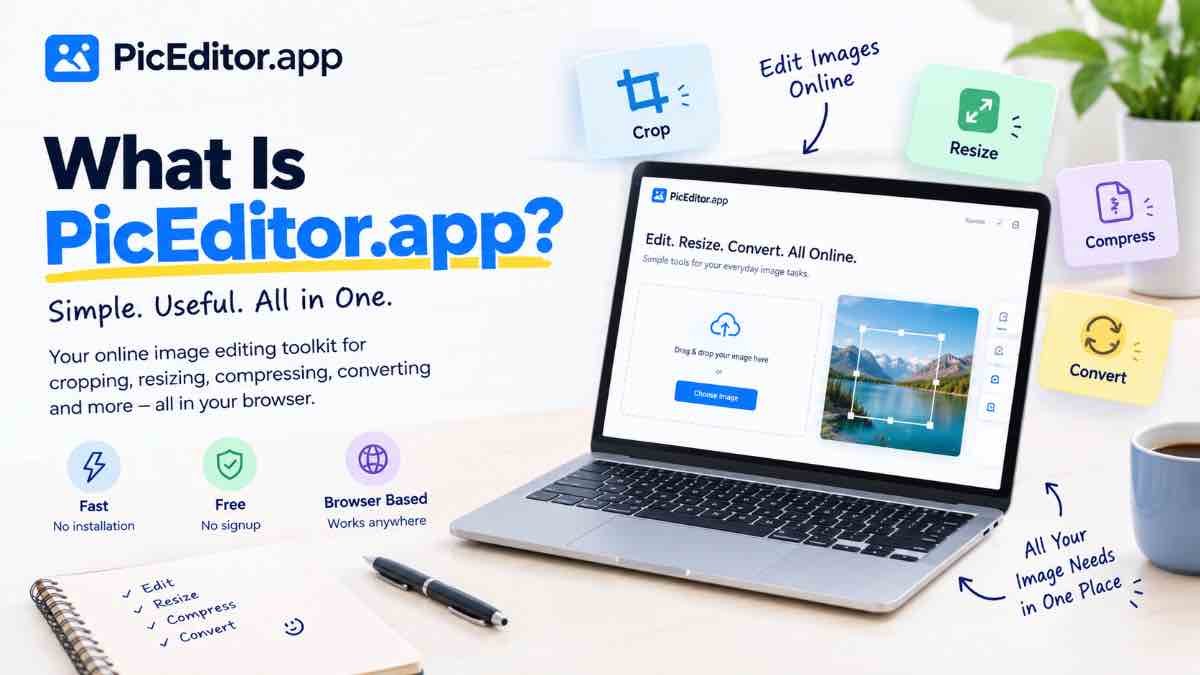
Pic Editor (PicEditor.app) is an online image editing platform designed to make common photo and image tasks easier to handle in a browser. Instead of needing a separate application for every small image job, the idea is to bring useful image tools together in one simple place.
Why Does an Online Image Editor Matter?
Many image tasks are surprisingly simple, but the software used to complete them can be unnecessarily complicated. If you only need to crop a photo, resize an image, reduce its file size, or prepare a profile picture, opening a full desktop editing application may feel like more work than the task itself.
An online tool can make these smaller jobs more convenient because the work can be done directly in a web browser. This is especially useful when you need to make a quick change without learning a large collection of advanced editing controls.
What Can You Use PicEditor.app For?
PicEditor.app is focused on practical image tasks rather than making users navigate a complicated editing environment. The exact tool you need depends on what you are trying to accomplish.
Crop an image
Remove unwanted areas and keep only the part of a photo that matters.
Resize an image
Change image dimensions when you need a particular width, height, or size for a specific use.
Reduce file size
Compress an image when the original file is larger than you need or a smaller upload is more practical.
Change image format
Convert images between supported formats when a different file type is more suitable for your task.
PicEditor.app Is Made for Everyday Image Problems
You do not always need advanced photo manipulation. Often, the real problem is much simpler: an image is too large, the dimensions are wrong, the subject needs to be cropped, or the picture needs to be prepared for a particular purpose.
This is where a focused online image editor can be useful. Instead of treating every task as a complex design project, you can start with the actual problem and choose the appropriate tool.
Approach: Crop it to focus on the subject, then resize it if necessary.
Approach: Use an image compression tool to reduce the file size.
Approach: Use an appropriate image converter.
How Does PicEditor.app Work?
The basic experience is designed around the task you want to complete. You select the appropriate image tool, upload or choose your image, make the required adjustments, and save the finished result.
The controls can vary from one tool to another because resizing, cropping, compression, conversion, and other image tasks have different requirements.
Choose a tool
Start with the task you actually need to complete rather than looking through unrelated editing features.
Add your image
Upload the image you want to work with using the selected tool.
Make your changes
Adjust the available settings according to the result you want.
Review the result
Check the image before saving it. Look at both the visual result and, where relevant, its dimensions or file size.
Download the image
Once the result looks correct, save the processed image to your device.
Use it where needed
Your finished image can then be used for the website, profile, document, social platform, upload, or other purpose you prepared it for.
Examples of When PicEditor.app Can Be Useful
👤 Profile pictures
Prepare a personal or professional photo by cropping and adjusting it for profile use.
🌐 Website images
Resize or compress images before adding them to a website or webpage.
📱 Social media
Prepare photos for profile images, posts, thumbnails, or other social-media uses where suitable dimensions can matter.
📄 Online forms
Adjust an image when an online form or service requires a particular size or smaller file.
One Tool for a Simple Job, Instead of a Complicated Workflow
A useful image editor does not need to expose every possible editing feature at once. For many everyday tasks, the most helpful experience is one where the controls are relevant to the job you are currently doing.
For example, if you are resizing an image, you primarily care about dimensions and the final result. If you are cropping a photograph, you care more about framing and composition. Keeping these tasks focused can make the process easier to understand.
What PicEditor.app Is Not
PicEditor.app should not be thought of as a replacement for every professional photography or graphic-design application. Advanced users may need specialized software for complex retouching, layered compositions, detailed illustrations, or professional production work.
The more practical purpose is to make common image tasks easier to access through focused browser-based tools.
Everyday image tasks
Cropping, resizing, compression, conversion, and other straightforward image preparation jobs.
Complex professional production
Highly advanced photo manipulation, detailed graphic design, and large multi-layer creative projects may require specialized software.
Try PicEditor.app for Your Next Image Task
If you have a simple image problem to solve, you can start with the PicEditor.app collection of online image tools. Choose the tool that matches your task, add your image, make the necessary adjustments, and review the result before downloading it.
Explore the online image tools and choose the one that matches what you need to do with your image.
Explore PicEditor.app →Simple Checklist
- Identify exactly what you need to change.
- Choose the image tool that matches the task.
- Upload the image you want to process.
- Make only the adjustments you need.
- Review the final image before downloading.
- Check dimensions or file size when they matter for your use.
- Save the finished image and use it where needed.
Final Thought
PicEditor.app is built around a simple idea: everyday image editing should not always require complicated software. When the job is to crop, resize, compress, convert, or otherwise prepare an image, a focused browser-based tool can make the process more straightforward.
The best way to use PicEditor.app is to start with the problem you are trying to solve. Once you know whether you need to resize, crop, compress, convert, or perform another supported task, choose the relevant tool and work toward the exact result you need.
That task-first approach keeps image editing simple and makes it easier to get from “I need to change this image” to “My image is ready.”