
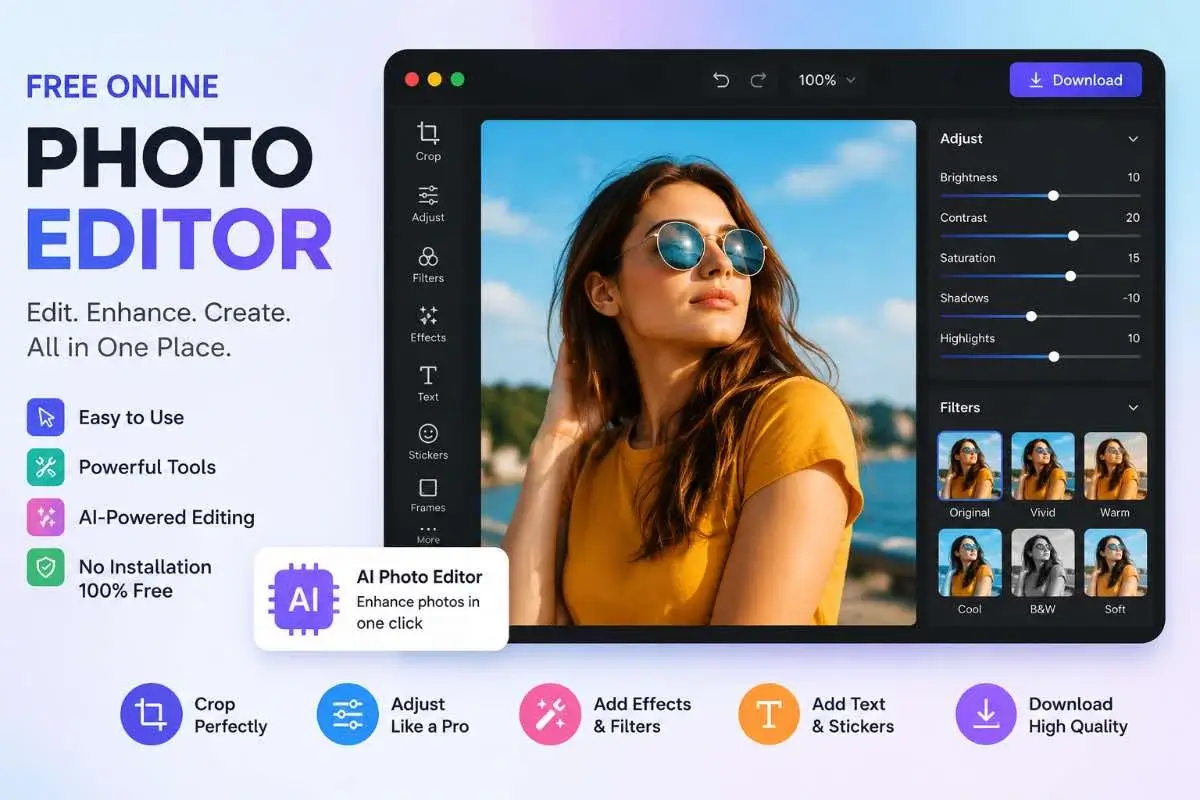
Resize and crop your images online with Pic Editor. Change image dimensions, adjust the target file size in KB, crop your photo, preview the result,and download or share your finished image..
Photo Editor
Drag & drop image, or click to select
Final Image Preview
Know How Pic Editor Works?
Pic Editor makes photo editing simple. Upload your image, choose whether you want to resize or crop it, adjust the settings, and download a photo ready for your needs.
Upload Your Photo
Select & upload the photo you want to prepare and start with the original Pic. The goal is simple: get your photo into the workspace and move straight to the task.
Pick the Adjustment
Decide what the photo needs. Use Resize when you need different dimensions, or Crop when the composition needs a different frame.
Fine-Tune the Photo
Set the dimensions or adjust the crop until the picture fits the space you are preparing it for. Keep the framing intentional instead of settling for a one-size-fits-all result.
Review & Save
Give the finished image one final look. When everything appears right, save the prepared file and use it for your website, profile, post, document, or other project.
Designed to keep the task moving. PicEditor.app puts the editing tool first and the explanation second, so visitors can start working immediately while the visual guide below answers the “how does it work?” question.
Popular Pic Editor Tools
Choose the tool that matches the image task you need to complete.
Image Resizer
Change image dimensions for websites, profiles and uploads.
Image Compressor
Reduce file size while keeping your images practical to use.
Compress PDF
Compress your pdf file up to 50kb, 100kb, 200kb or manual requirements without lose quality
Image To PDF Converter
Convert images between supported PDF file formats.
WebP to PNG
Convert WebP images to PNG when you need PNG output.
Profile Pic Generator
Make your own profile picture with free. Get the right look, size, and crop for Facebook, LinkedIn, Instagram, Pinterest,
Passport Photo Maker
Create a passport-size photo online with precise control over width, height, cropping, aspect ratio, image format and file size
Signature Resizer
Resize and prepare signatures for online forms and applications.
A Simple Way to Edit Your Image
Follow a practical workflow from the original photo to the finished image.
Upload
Choose your image.
Crop
Remove unwanted areas.
Resize
Set useful dimensions.
Adjust
Make careful changes.
Download
Check and save the result.
What Can You Use PicEditor For?
From everyday photos to website images, choose a workflow that fits your purpose.
Social Media
Prepare profile pictures and post images.
Website Images
Resize and optimize images for web pages.
Product Photos
Clean up and prepare product images.
Documents
Prepare images for online forms and applications.
Profile Pictures
Crop and resize photos for profile use.
Signatures
Resize signatures for digital applications.
Why Use PicEditor?
A focused approach to common image editing and preparation tasks.
Simple
Straightforward tools for everyday image tasks.
Browser Based
Access image tools directly from your browser.
Focused Tools
Use a dedicated tool instead of a complicated workflow.
Easy Export
Check your final image and save the finished result.
Online Photo Editor
PicEditor.app is a simple online photo editor for common image editing and preparation tasks. Use a dedicated image tool when you need to resize, crop, compress or convert a file.
An online photo editor can be useful when you want to make a quick change without using complicated desktop software. Whether you are preparing a profile picture, website image, product photo, document image or signature, choosing the right tool can make the process easier.
A practical workflow is to start with the original image, crop unnecessary areas, resize it for its destination, make any required adjustments and then check the final file before downloading or uploading it.
Ready to Edit Your Photo?
Choose one of the dedicated image tools above to complete your image task.
Frequently Asked Questions
What can I do with an online photo editor?
Depending on the available tools, you can crop, resize, adjust, convert, compress and prepare images for different uses.
Can I edit photos without installing software?
Yes. Browser-based photo editors can handle many common image tasks without requiring a traditional desktop application.
Should I crop before resizing an image?
For many everyday workflows, cropping first is practical because it determines the final composition before you set the final dimensions.
What is the best image size for a website?
The appropriate dimensions depend on where the image will appear. Resize according to the actual display area and requirements of the website.
Can I use PicEditor for everyday image editing?
Yes. PicEditor is designed around common image editing and preparation tasks, with dedicated tools available for specific requirements.
See PicEditor.app in Action
Watch this quick video to see how you can resize, crop and prepare your images online with PicEditor.app.