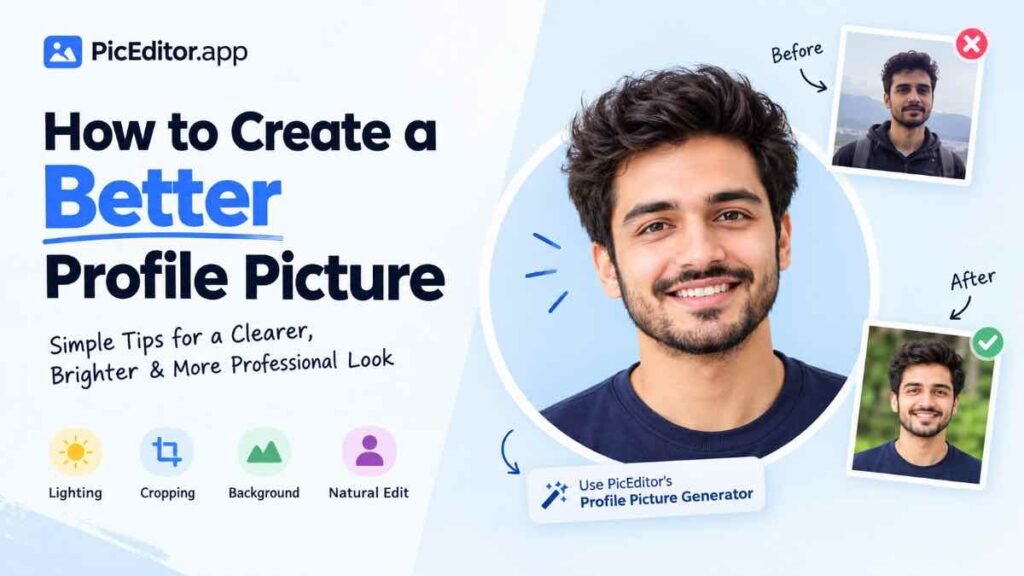
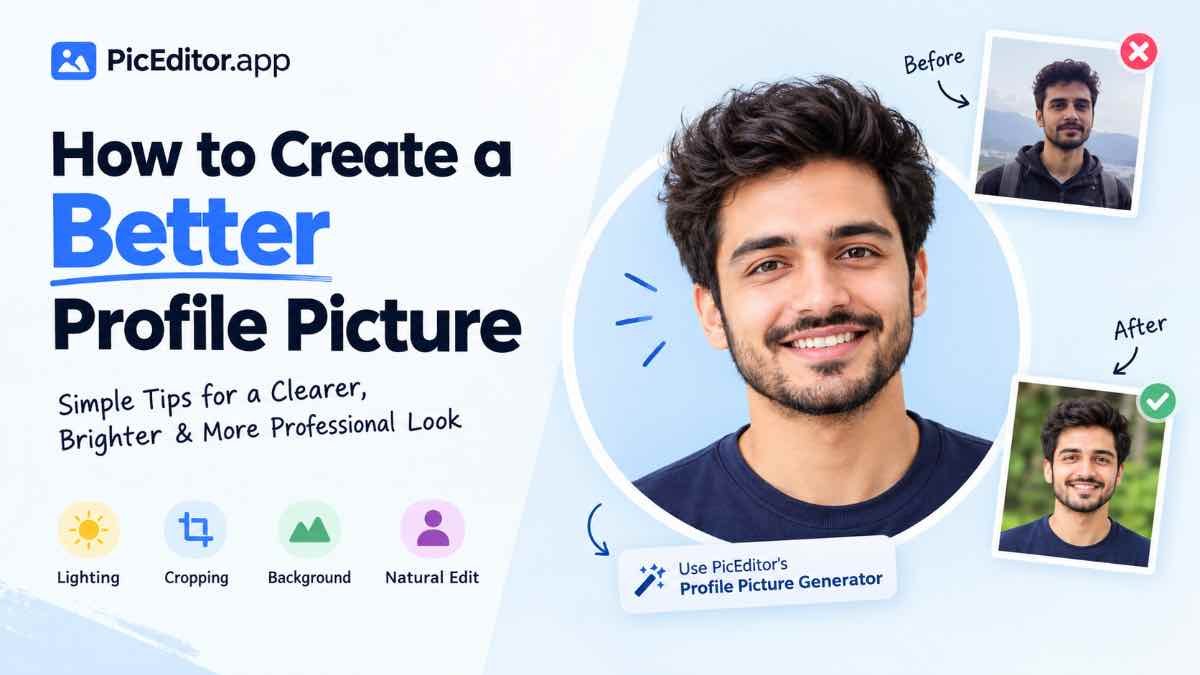
How to Create a Better Profile Picture
Your profile picture is often one of the first things people notice about you online. It may appear on a social media profile, messaging app, professional account, community, website, or creator page. A better profile picture does not have to be complicated. The goal is simply to make your face clear, the image easy to recognize, and the overall picture appropriate for where you plan to use it.
What Makes a Profile Picture Better?
A profile picture works differently from a normal photograph. It is often displayed as a small thumbnail, sometimes inside a circular frame. This means tiny details can disappear. A picture that looks fine when viewed full-size may become difficult to recognize when it is reduced to a small profile image.
The most useful approach is to focus on the things that remain visible even at a smaller size: your face, expression, framing, lighting, and overall contrast.
1. Choose a Photo Where Your Face Is Clear
Start with a photo where your face is reasonably sharp and easy to see. You do not necessarily need a professional camera. A recent phone photo can work well if the image is clear and has enough light.
Clear and recognizable
Your face is visible, the image is reasonably sharp, and there is enough space around your head and shoulders for comfortable cropping.
Too distant or unclear
A very distant group photo or heavily blurred image can make your face difficult to recognize after the picture is reduced to profile-picture size.
2. Pay Attention to Lighting
Good lighting can make a bigger difference than expensive editing. Try to use a photo where your face is evenly visible instead of one where strong shadows cover important features.
Natural light near a window can often provide a simple starting point. Avoid placing a very bright light directly behind you if it makes your face appear too dark.
You do not need to make the image extremely bright. The goal is to keep your face visible while maintaining natural-looking tones.
3. Keep the Background Simple
A busy background can compete with the main subject. When the image becomes small, several objects and colors behind you can make the picture feel visually crowded.
A simple wall, outdoor background with limited distraction, or softly blurred environment can help keep attention on your face.
4. Crop the Image Carefully
Cropping is one of the most important steps when creating a profile picture. You usually want the face to occupy enough of the frame without cutting off important parts of the head.
If the platform uses a circular profile image, remember that the corners may not be visible. Keep your face and other important details toward the center of the composition.
5. Choose a Natural Expression
Your expression should match the purpose of the profile. A professional account may benefit from a simple, confident expression, while a personal or social profile can be more relaxed.
There is no single expression that works for everyone. The important thing is that the photograph feels natural and represents how you want to appear in that context.
6. Think About Where You Will Use the Picture
The best profile picture for one platform may not be the best choice for another. Consider the context before editing the image.
Keep it clear and simple
Use a clean composition, good lighting, and an appearance that fits your professional identity.
Show more personality
You can use a more relaxed expression or setting as long as your face remains easy to recognize.
Make it recognizable
If you build a personal brand, consistency in your profile image can make your online presence easier to recognize.
Keep it authentic
Choose an image that looks like you and feels appropriate for the people you interact with.
7. Resize the Image for Its Intended Use
A very large image is not automatically a better profile picture. What matters is having enough resolution for the platform while keeping the file practical to upload and use.
If you have a large original photo, you can crop the important area first and then resize the result to a suitable dimension.
If you want a simple way to prepare an image for your profile, try the PicEditor Profile Picture Generator. You can use it to work with your image and create a profile-picture-ready result without needing complicated editing software.
Open Profile Picture Generator →8. Avoid Over-Editing
It can be tempting to keep adding filters, effects, sharpening, colors, or other edits. But a profile picture usually works better when the person remains the main focus.
✓ Useful editing
- Crop unnecessary areas
- Improve basic brightness when needed
- Keep the face clearly visible
- Make the composition cleaner
✕ Too much editing
- Extreme filters
- Unnatural skin effects
- Excessive sharpening
- Too many visual effects
A Simple Step-by-Step Process
If you are starting with a normal photograph and want to turn it into a better profile picture, follow this simple workflow:
Choose your best photo
Pick a recent image where your face is clear and recognizable.
Check the lighting
Make sure your face is not hidden by strong shadows or extreme backlighting.
Clean up the composition
Look at the background and remove distracting areas through careful cropping.
Crop around the subject
Keep your face comfortably inside the central area of the image.
Make small adjustments
Correct basic brightness or other obvious issues without over-editing.
Check the final result
View the image at a smaller size and make sure your face is still easy to recognize.
Common Profile Picture Mistakes
❌ Using a very distant photo
Your face can become too small to recognize when the image is displayed as a small profile thumbnail.
❌ Ignoring the background
A busy background can compete with your face and make the image look cluttered.
❌ Cropping too tightly
Cutting too close to the head or face can make the composition uncomfortable.
❌ Overusing filters
Heavy effects can make the picture look less natural and reduce clarity.
Good Example vs. Poor Example
Quick Checklist Before You Upload
- My face is clear and easy to recognize.
- The image has enough light.
- The background is not unnecessarily distracting.
- The crop keeps my face comfortably visible.
- The image still looks good at a small size.
- The editing looks natural.
- The picture fits the platform or account where I will use it.
- The final image represents me appropriately.
Final Thought
Creating a better profile picture is less about adding lots of effects and more about making a few good decisions. Start with a clear photo, use suitable lighting, keep the background simple, crop carefully, and make only the adjustments that genuinely improve the image.
Most importantly, remember that a profile picture is usually viewed at a small size. If your face remains clear, recognizable, and naturally presented, you are already solving the most important part of the job.
When you are ready to prepare your image, you can use the PicEditor Profile Picture Generator to create a profile-picture-ready image.
Read also:
- How to Make a Viral Thumbnail Image for a YouTube Video
- Why Images Are Important for Websites and SEO in 2026