
Photo Compressor to 50KB
Compress your photo to 50KB or less online. Fast, free and private — your image is processed directly in your browser.
JPG, PNG, WebP and other common image formats
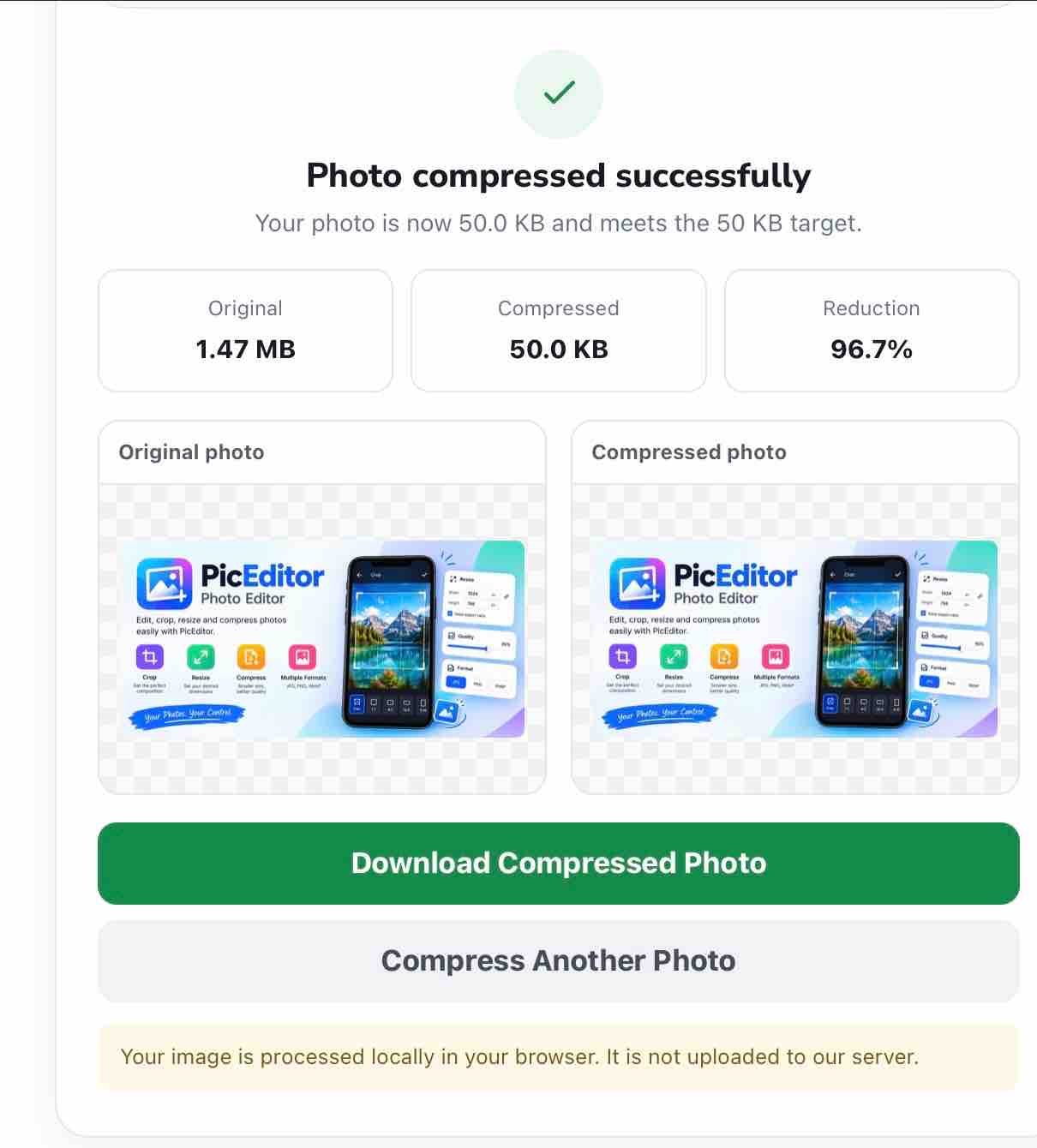
Photo compressed successfully
Compress Image to 50KB Online
Need to compress an image to 50KB for an online form, application, registration, website, or document upload? PicEditor's Photo Compressor to 50KB helps you reduce an image to 50KB or less directly in your browser.
You don't need Photoshop or complicated image-editing software. Upload your photo, select the target file size, and let the tool automatically work toward the size you need. You can then preview the compressed image, check the new file size, and download it.
Need a photo under 50KB right now?
Compress My Image to 50KB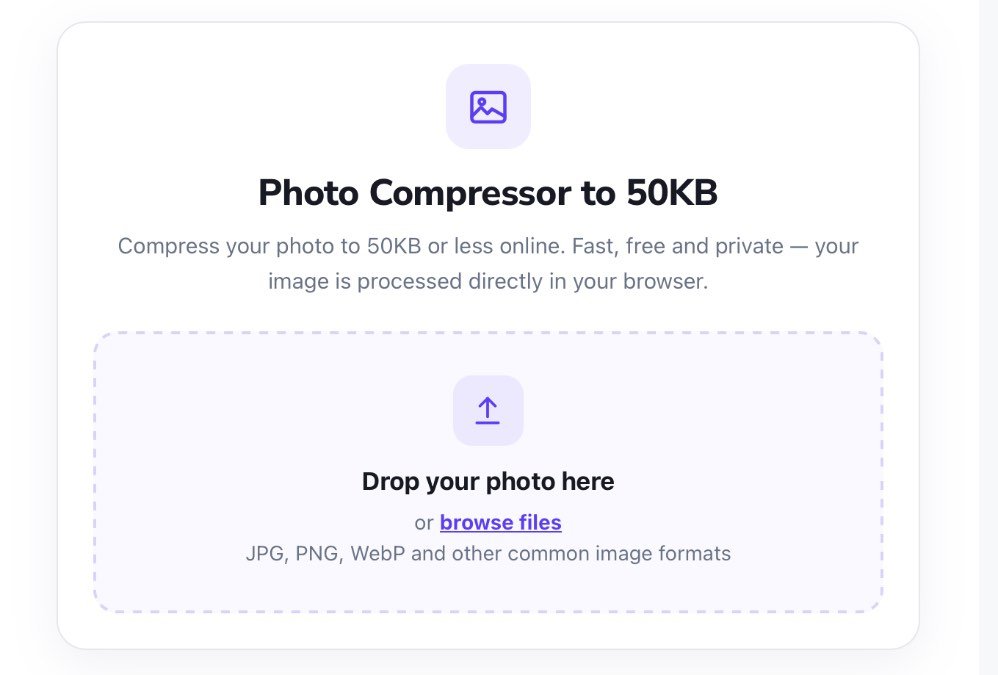
Table of Contents
- What Is a 50KB Image Compressor?
- How to Compress an Image to 50KB
- Why Do You Need a 50KB Image?
- Can You Compress an Image to 50KB Without Losing Quality?
- How to Compress JPG to 50KB
- How to Compress PNG to 50KB
- How to Compress WebP to 50KB
- 50KB vs Other Image Sizes
- 50KB File Size vs Image Dimensions
- Is It Safe to Compress Photos Online?
- Tips for Getting an Image Under 50KB
- Frequently Asked Questions
How to Compress an Image to 50KB
Compressing a photo to a specific file size doesn't have to be complicated. PicEditor's tool is designed to keep the process simple: upload the image, select the target size, compress it, and download the result.
Select the image you want to compress. JPG, PNG, WebP and other supported image formats can be processed by the tool.
The tool uses 50KB as the default target size. You can change the target if the website you're uploading to has a different file-size requirement.
Click Compress Photo. The tool automatically adjusts the image to work toward the selected file-size target.
After processing, you can compare the original and compressed previews and see the original size, compressed size, and percentage reduction.
If the resulting file meets your requirement, click Download Compressed Photo to save it to your device.
Ready to reduce your photo?
Compress Photo to 50KBWhy Do You Need a 50KB Image?
Many online services place limits on the size of images that users can upload. You may see instructions such as "image size should be less than 50KB" when completing an online application or submitting a photograph.
Modern smartphones can produce photographs that are several megabytes in size. Such a file may be much larger than the upload limit of a website. Compressing the photo first can help you meet the required file-size limit.
A 50KB limit can be useful for small profile photographs, application photos, signatures, forms, registrations, and other online uploads. However, the exact requirement varies from one website to another.
Important: Always check the original website's instructions. Some services specify both a maximum file size and exact image dimensions or a required file format.
Can You Compress an Image to 50KB Without Losing Quality?
Reducing a large image to a very small file size will usually require some form of compression, resizing, or both. Therefore, it is not realistic to promise that every image can reach 50KB with absolutely no visible quality change.
The amount of compression needed depends on the original image. A simple graphic with large areas of the same color can behave very differently from a detailed photograph containing textures, shadows, and many colors.
PicEditor's target-size approach is designed to balance file size and image quality. When quality compression alone is not enough to reach a small target, reducing the image dimensions can help.
Why reducing dimensions can help
A modern smartphone photograph may contain millions of pixels. If the image is much larger than the size at which it will actually be displayed, reducing its dimensions can remove unnecessary data and make the file easier to compress.
For example, a very large photograph may be reduced to more practical dimensions before compression. This can make it easier to reach a small target such as 50KB while keeping the image usable.
How to Compress JPG to 50KB
JPG, also known as JPEG, is a popular format for photographs because it uses lossy compression to reduce file size efficiently.
If your original image is a JPG, upload it to PicEditor's compressor, choose 50KB, and start the compression process.
JPG is often a practical choice when the image is a photograph and the destination website accepts JPEG files.
How to Compress PNG to 50KB
PNG is useful for graphics, screenshots, logos, icons, and images where transparency or sharp edges are important.
However, photographic PNG files can be much larger than comparable JPEG files. If you're compressing a photograph and the destination accepts JPG, converting the image to JPEG can sometimes make it easier to reach a small target such as 50KB.
Tip: Don't convert an image to JPG if you need transparency. JPEG does not preserve transparent backgrounds.
How to Compress WebP to 50KB
WebP is a modern image format designed to provide efficient compression. It can be useful for websites and other applications where smaller image files are desirable.
If your original image is WebP, you can use PicEditor's compressor and choose the output format that best matches the requirements of the website where you plan to use the image.
50KB vs Other Image Sizes
50KB is only one possible file-size requirement. Different websites and applications may require different limits.
| Target size | When it may be useful |
|---|---|
| 20KB | Very strict image upload limits |
| 30KB | Small application or form uploads |
| 40KB | Small image requirements |
| 50KB | Small-file upload requirements |
| 75KB | When a little more image quality is useful |
| 100KB | Larger upload limits |
| 200KB | When preserving more image detail is important |
If a website specifies a maximum of 50KB, there is usually no reason to make the image dramatically smaller unless the website has another requirement. Keeping the file reasonably close to the allowed limit can help preserve more detail.
50KB File Size vs Image Dimensions
File size and image dimensions are different things.
File size is measured in bytes, KB, or MB. Image dimensions describe the number of pixels in the image, such as 600 × 600 or 1200 × 800.
Two images with exactly the same dimensions can have very different file sizes because their content and compression settings may be different.
Likewise, two images can both be around 50KB while having different dimensions.
Remember: If an application specifies both "maximum 50KB" and "600 × 600 pixels", you need to satisfy both requirements.
Is It Safe to Compress Photos Online?
Online image tools work in different ways. Some services upload images to a remote server for processing, while others process images directly inside the browser.
PicEditor's 50KB compressor is designed for client-side image processing. This means the image can be processed directly in your browser instead of being sent to a remote server for compression.
Browser-based processing can be particularly convenient when working with personal photographs or documents. As with any online service, however, you should understand how a tool processes your files before using it for highly sensitive information.
Tips for Getting an Image Under 50KB
If your image is much larger than 50KB, the following techniques can help you reach the target.
- Use JPEG for photographs when the destination website accepts it.
- Reduce unnecessary dimensions if the original image is extremely large.
- Choose the actual required file size instead of automatically selecting the smallest possible size.
- Check the final file size before uploading it to the destination website.
- Check image dimensions separately if the website has a pixel-size requirement.
- Check the accepted file format before converting the image.
Who Might Need a 50KB Photo?
A small image compressor can be useful whenever a website imposes a strict upload limit.
- Students submitting online forms
- Job and recruitment applications
- Exam and registration forms
- Online profile and account uploads
- Small website image uploads
- Digital applications and registrations
- Documents requiring small image attachments
The exact requirements vary, so always follow the instructions provided by the website or organization you're submitting the image to.
Have an image that's too large for a 50KB upload limit?
Compress It to 50KBFrequently Asked Questions
How do I compress an image to 50KB?
Upload your image to the PicEditor compressor, select 50KB as the target size, click Compress Photo, check the resulting file size, and download the compressed image.
Can I compress a photo to less than 50KB?
Yes. The goal of the tool is to create a result at or below the selected target size whenever practical. You can also choose a smaller target such as 20KB or 30KB.
Can I compress JPG to 50KB?
Yes. JPG is particularly suitable for photographic images and can often be compressed efficiently to a small target such as 50KB.
Can I compress PNG to 50KB?
Yes. However, photographic PNG files can be difficult to reduce to a very small size while retaining quality. If the destination accepts JPG, JPEG can be a practical option for photographs.
Is the 50KB image compressor free?
PicEditor's 50KB image compressor is designed as a free, browser-based image compression tool.
Do I need to install software?
No. You can use the compressor directly in a modern web browser without installing desktop image-editing software.
Can I use the 50KB compressor on my phone?
Yes. The tool is designed to work in modern mobile browsers as well as on desktop devices.
What if my image is still larger than 50KB?
Some images contain a large amount of detail and may require both quality compression and dimension reduction to reach a very small target. If the result cannot meet the requirement, check whether the destination allows a larger file size.
Does 50KB mean a specific image dimension?
No. 50KB refers to the digital file size, not the image's width and height. A website may separately require specific dimensions, so check both requirements when necessary.
Does PicEditor upload my photo to a server?
The 50KB compressor is designed for client-side processing, allowing the image to be processed directly in your browser rather than requiring a server upload for compression.
Compress Your Image to 50KB
Reduce your photo to 50KB or less, check the result, and download the compressed image directly from your browser.
Compress Photo to 50KB